Build a small desktop
This setup starts Waybar and Mako with the session, binds a launcher and terminal, and selects a larger cursor. It gives you a usable bar, notifications and two ways to open applications while leaving the shell itself to your choice.
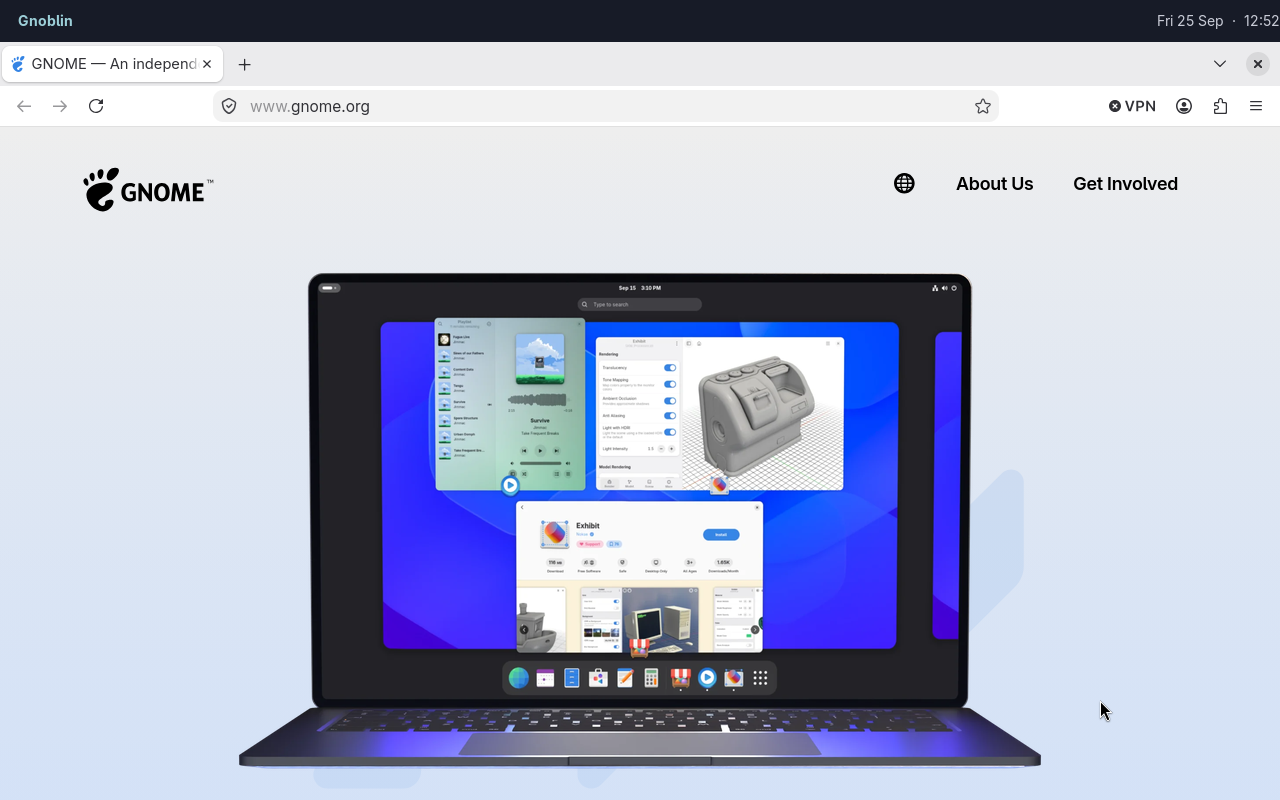
Firefox is an ordinary window; Waybar runs as a separate desktop client.
Save this as ~/.config/gnoblin/init.lua. Replace any command with an application installed on your system.
gnoblin.configure {
    cursor = {theme = "Adwaita-Hyprcursor", size = 28},
    autostart = {
        bar = {command = {"waybar"}},
        notifications = {command = {"mako"}},
    },
    shortcuts = {
        launcher = {binding = "<Super>d", command = {"fuzzel"}},
        terminal = {binding = "<Super>Return", command = {"foot"}},
    },
}
Install the selected applications first. Gnoblin includes the Adwaita Hyprcursor theme. Cursor size is in logical pixels. autostart launches each named command at login; it does not install or configure the applications themselves.
Keep any gnoblin.load(...) lines supplied by your shell before this block. If an imported shortcut already uses one of these names, this updates that shortcut; a new name adds a shortcut. Check for key conflicts with your shell, then reload the config. See shell setup for choosing the programs that provide the visible desktop.